SHOWTime™ Studio
Unlock the full power of SHOWTime™ for your PixLite® Mk3 controller. SHOWTime™ studio provides a browser-based environment for generating effects, creating, editing and previewing looping effects for SHOWTime™ for standalone playback on PixLite® Mk3.

What is SHOWTime™ Studio?
SHOWTime™ Studio is free, browser based software that turns your lighting ideas into looping pixel effects with SHOWTime™ Studio.
Generate, map, edit and preview content in your browser. Then prepare it for standalone playback through SHOWTime™ on PixLite® Mk3.
SHOWTime™ studio can be used offline, to create loops to upload to PixLite® without having to connect a PixLite® controller.
Upon completion the timeline function makes it easy to arrange complex looks, transitions and seamless loops. Users can also import scenes from existing projects, adjust their playback speed and incorporate them into new timelines making proven content easier to reuse and adapt.
Once a timeline is complete, SHOWTime™ Studio renders it as a SHOWTime™ scene file (.scn) for playback by a PixLite® controller. Projects can be prepared, configured, visualised and presented to end users without having the hardware connected, making it ideal for off-site design, review and approval.
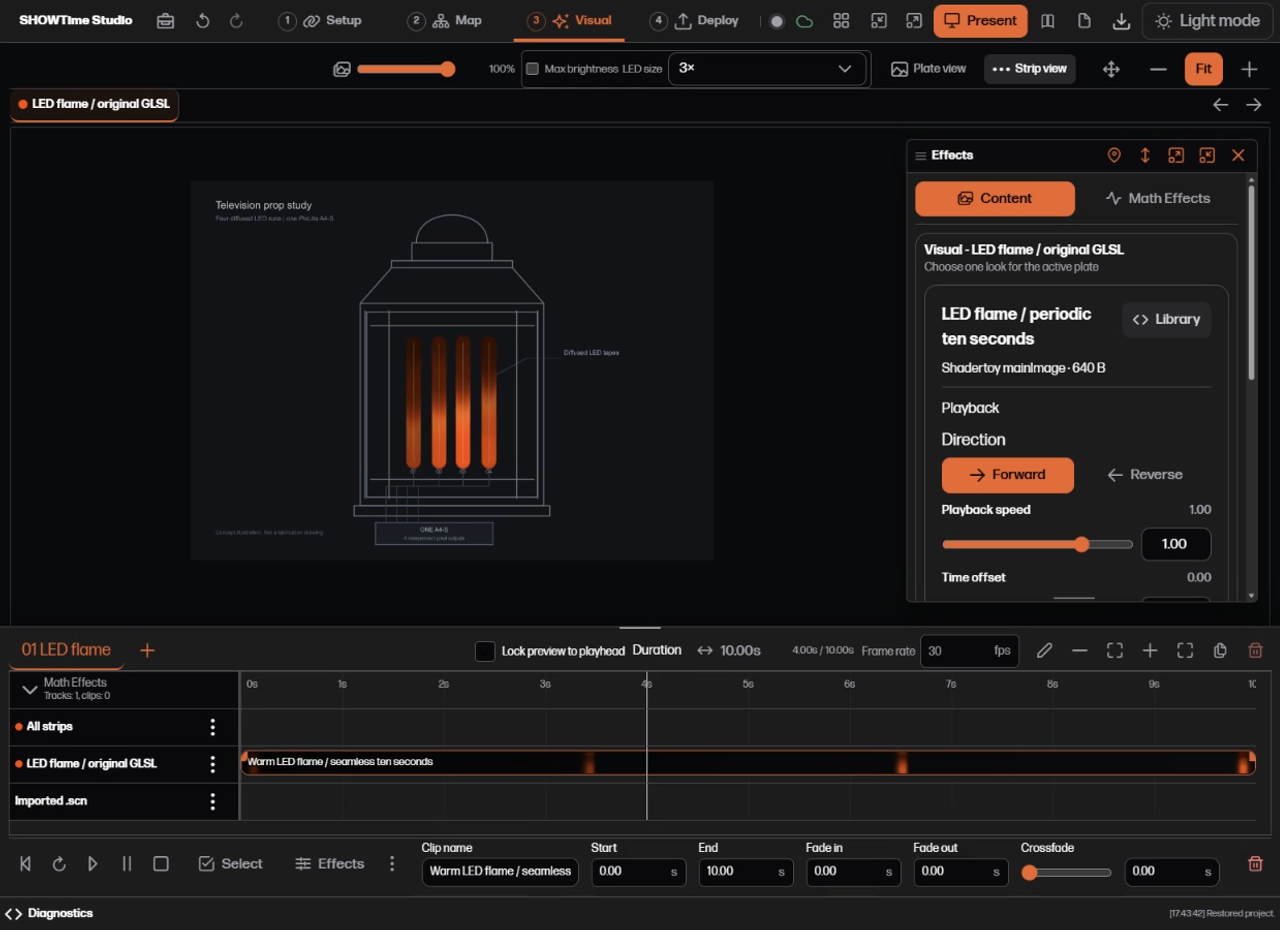
Simplify your workflow by creating and mapping effects in SHOWTime™ Studio. Edit and preview looping content, and export animations to your PixLite® device for offline playback.
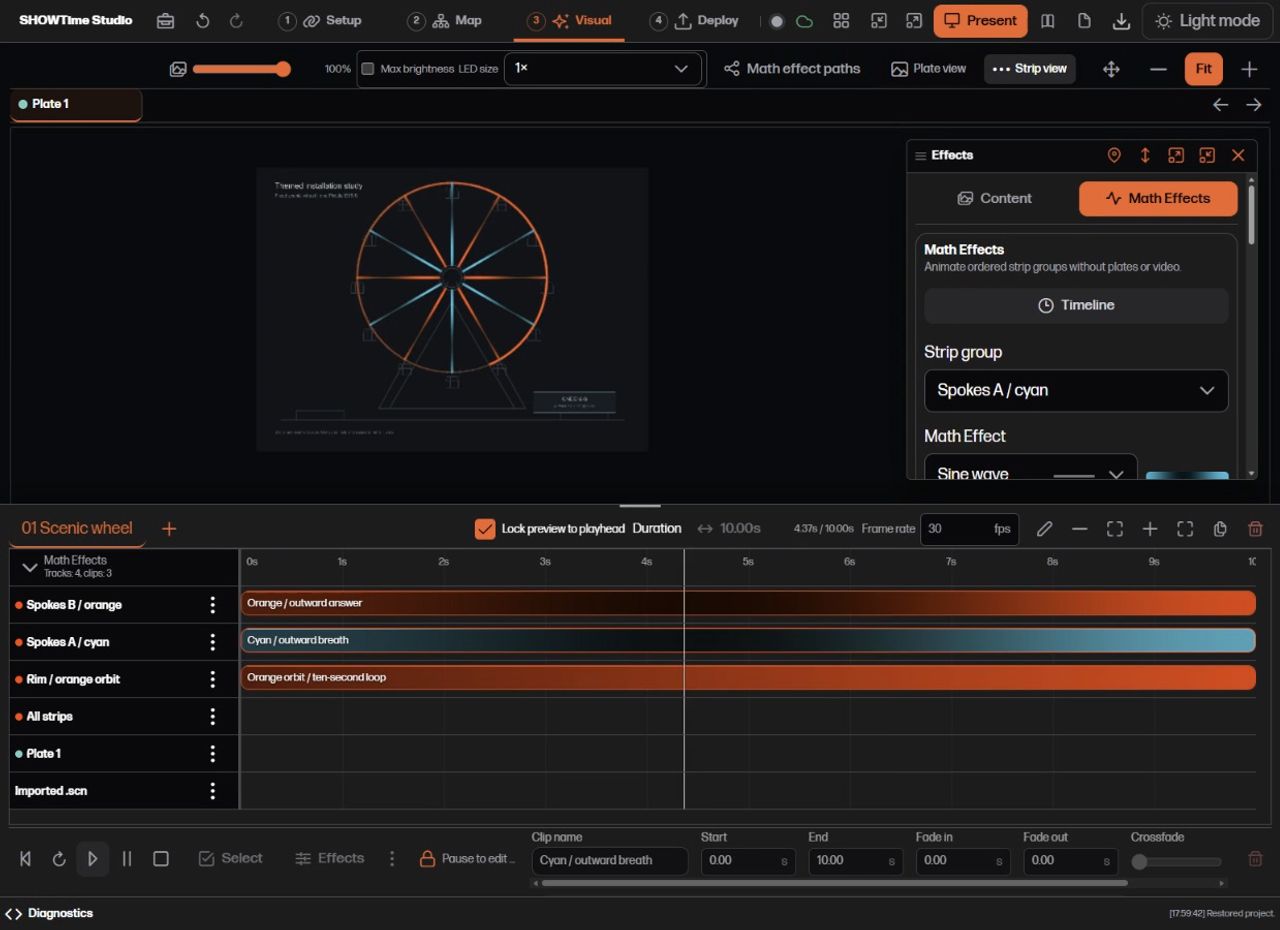
Prepare looping scenes for single controller systems or create independent fallback effects for use when a live data source becomes unavailable. From ongoing ambient lighting to a sparkle effect used as a backup, SHOWTime™ Studio helps you prepare content for the way your installation will operate.
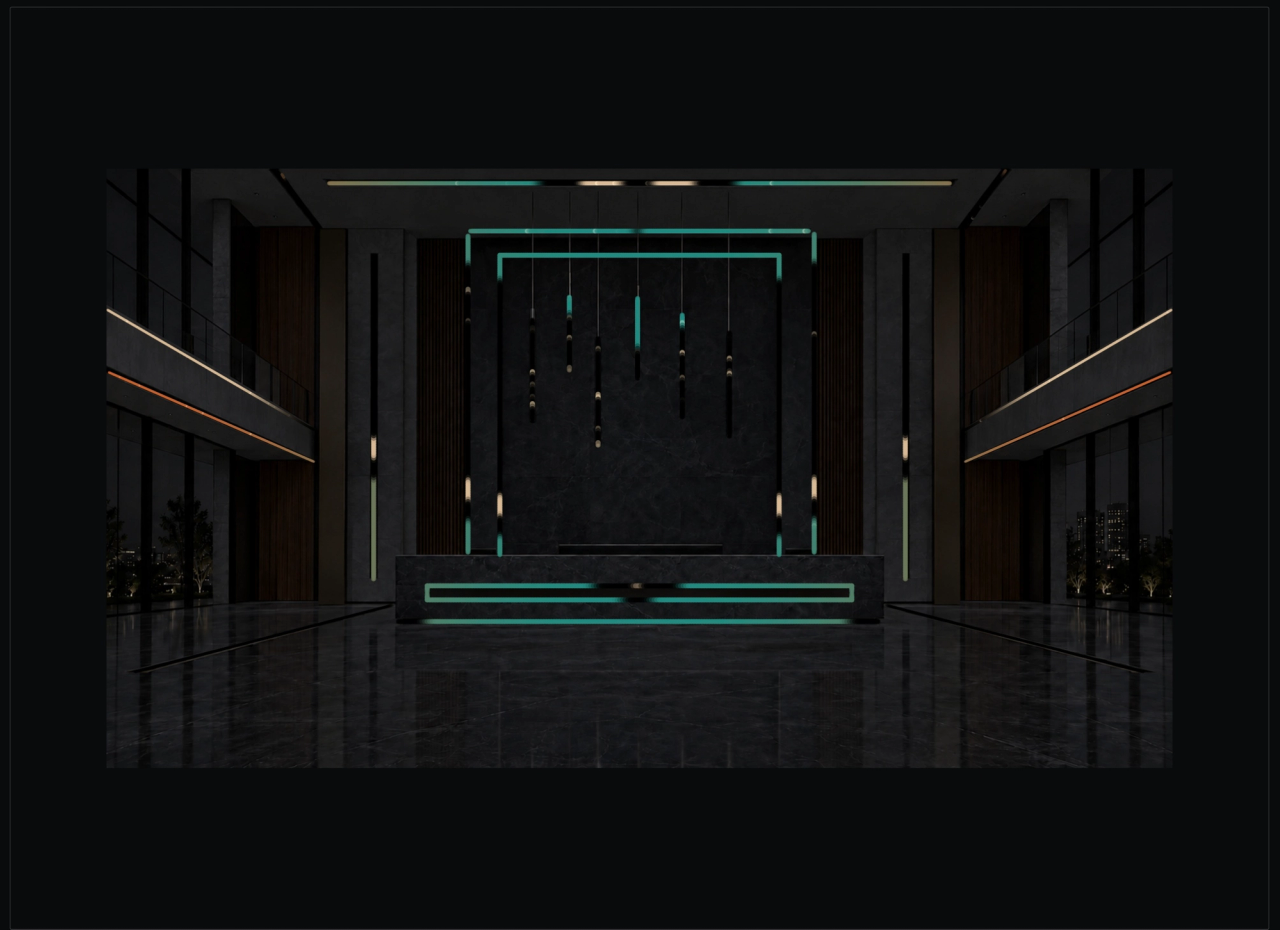
Preview your scenes with SHOWTime™ Studio presentation mode, before deploying them to your system. Test triggers, loops and sequences and then save to a PixLite® controller.
Is SHOWTime™ included with all Advatek PixLite® products?
Is SHOWTime™ included with all Advatek PixLite® products?
SHOWTime™ is included at no extra charge on all Professional PixLite® Mk3 pixel controllers
Where can I find instructions on how to use SHOWTime™?
Where can I find instructions on how to use SHOWTime™?
Detailed information and instructions on how to configure and operate SHOWTime™ are contained within the PixLite® Mk3 Management Guide. Which can be found in the "Resources" section of our website.
How do I get the latest version of SHOWTime™?
How do I get the latest version of SHOWTime™?
The latest version of SHOWTime™ for PixLite® Mk3 devices is contained within the most recent version of PixLite® Mk3 Firmware, which can be downloaded for free from the "Resources" section of our website.
Can my lighting run without a computer connected?
Can my lighting run without a computer connected?
Yes. PixLite® Mk3 controllers include SHOWTime™, which lets you record lighting content and play it back from a user-supplied industrial microSD card. Once configured, your lighting can begin on startup or through supported triggers, ideal for installations that need simple, repeatable playback.
Fill out your details to access the live version of SHOWTime Studio. Be sure to subscribe for updates so we can inform you of any new features and send you the files to use offline, too.