On camera
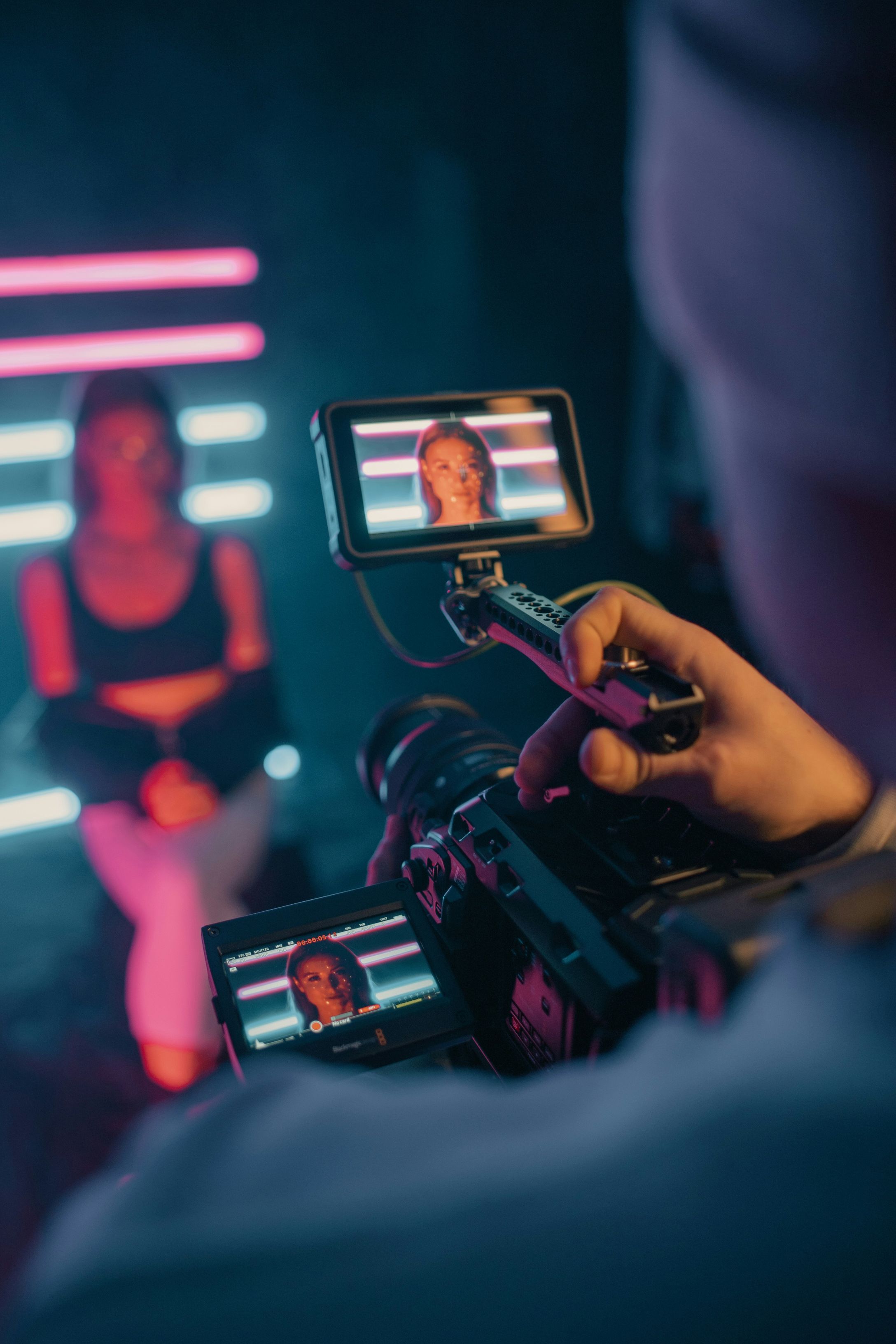
Frame-perfect pixels on camera
Design pixel lighting around what the camera sees, testing LEDs, settings and content against your capture requirements.
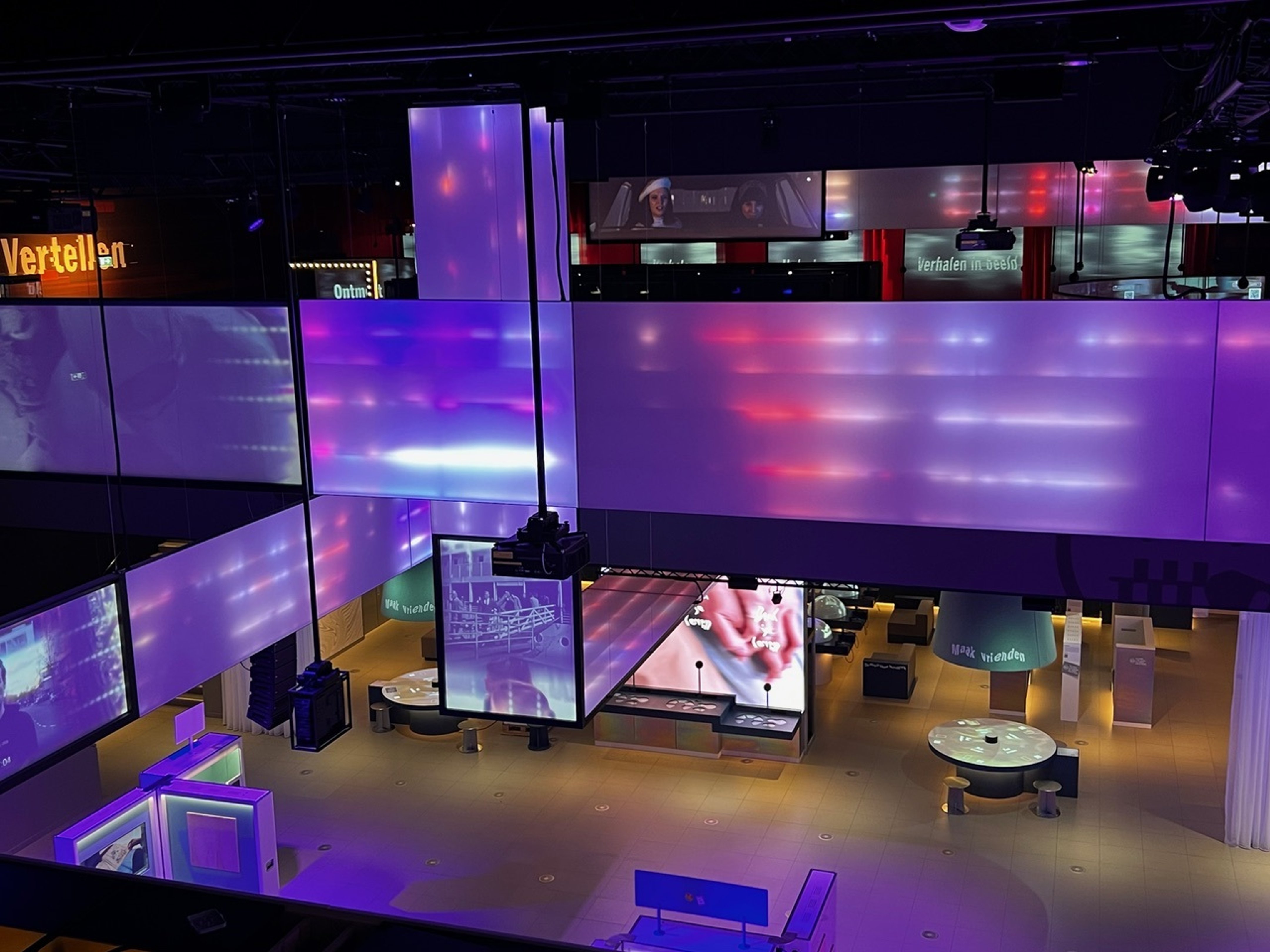
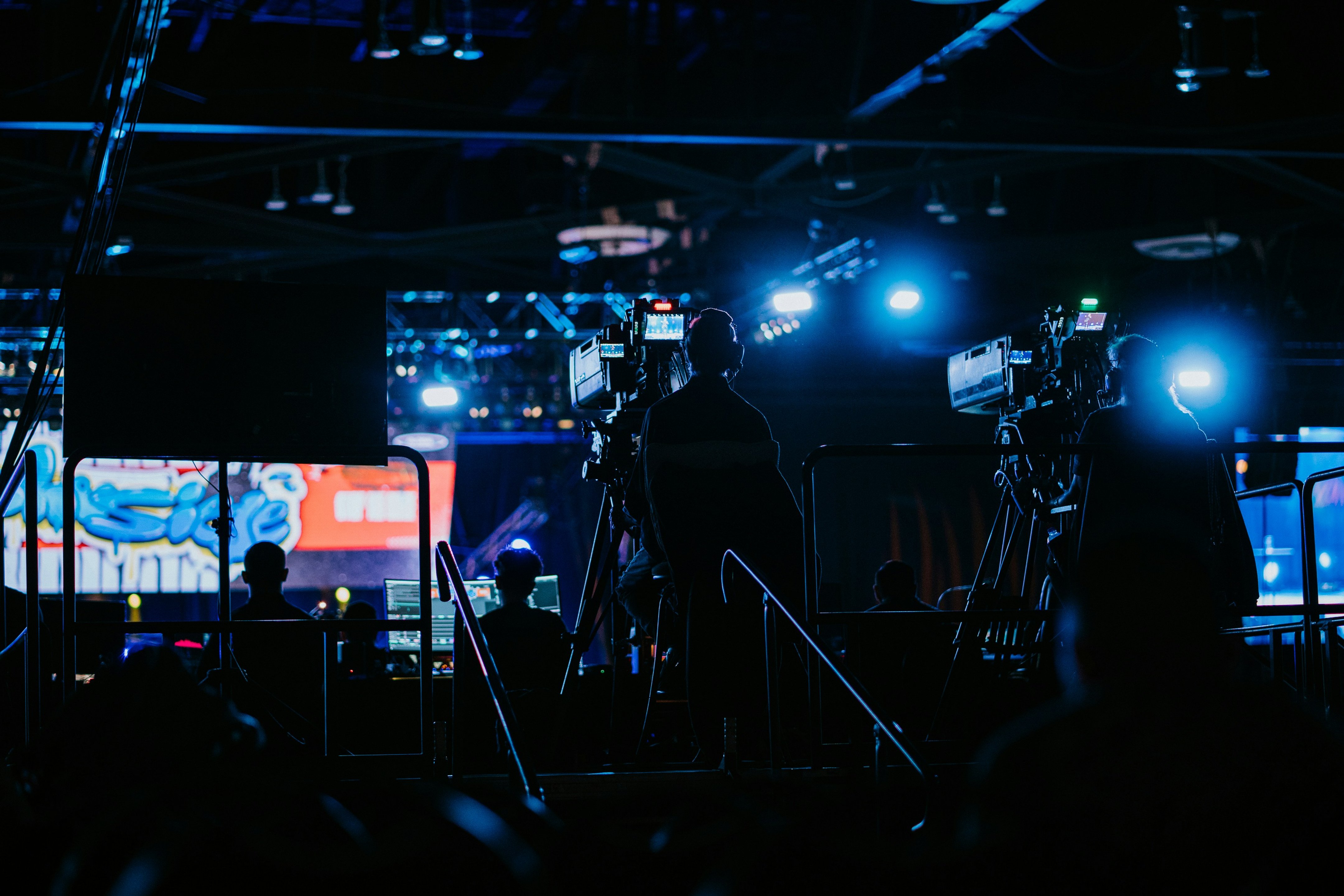
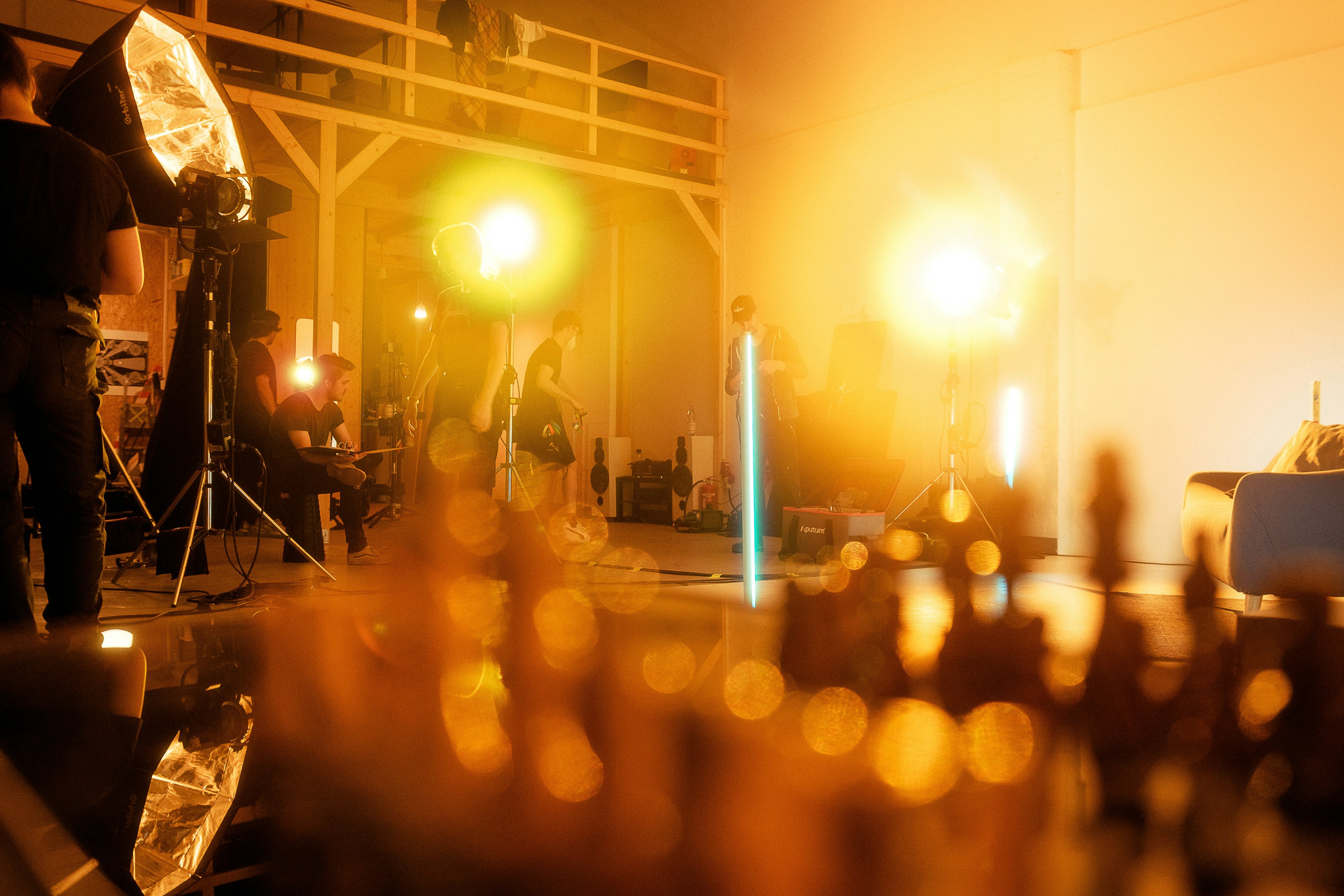
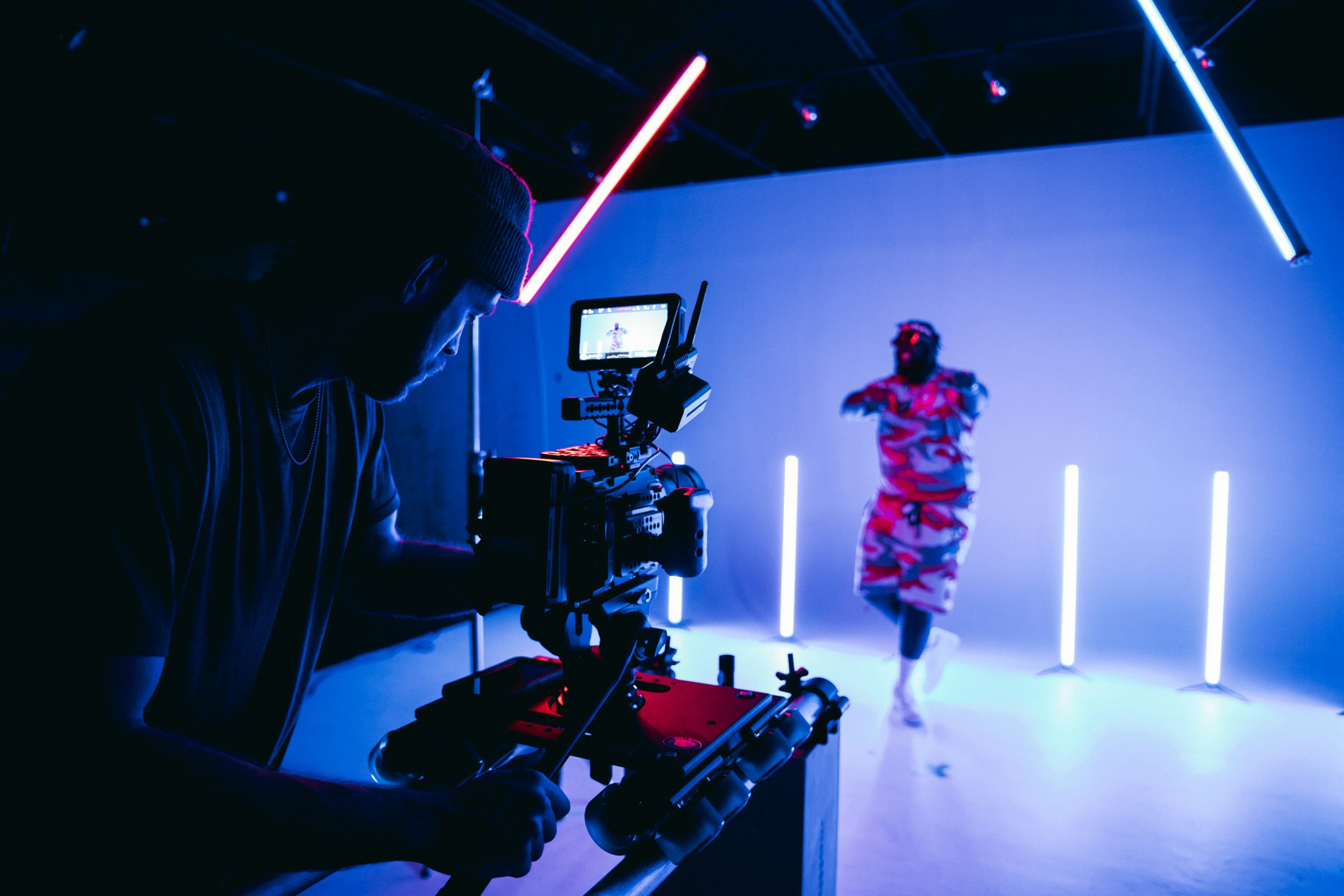
Build light into the frame where it supports the set and the story.
Develop controllable effects that can be adjusted scene by scene.
Validate the captured result with the production’s actual camera settings.
Pixel control that holds up in front of the lens
On set, pixels have two audiences: the people in the room and the camera. Banding, stepping and flicker that nobody notices live become obvious on a monitor, and a reshoot costs far more than the lighting.
PixLite® Mk3 is built for that scrutiny. 8-bit and 16-bit input data, gamma correction and dithering keep slow fades smooth. A processor capable of hundreds of frames per second, with Art-Sync, sACN Sync and Auto-Sync, keeps outputs locked together. Over 90 supported pixel protocols leave room to choose the high-PWM pixels a camera needs.
Controllers take Art-Net and sACN from any console or media server, store looks with SHOWTime™ for quick recall between takes, and carry electrical fault protection on every port. Five years of warranty on hardware made in Australia covers rigs that are built, struck and rebuilt between productions.
Capabilities
PixLite® controllers made for the lens

Choose pixels that film cleanly from over 90 supported protocols, including high-PWM types suited to camera work.

16-bit input data and dithering for slow fades without visible steps.

Every output on the same frame with Art-Sync, sACN Sync and Auto-Sync to avoid tearing across the set.

Store looks on the controller with SHOWTime™ and recall them between takes without reprogramming.

Configure from any laptop with Advatek Assistant or a web browser, on set or in the workshop.
Lighting a production? We can help
With our project, frames needed to be synchronized, so PixLite Mk3's compatibility with both Art-Sync and sACN Sync, coupled with its ability to monitor this, allowed us to create an incredible display.
Tom Aarts – Director at ATA Tech
We couldn't believe how much better the colors looked with the A4-S. We've never been able to get oranges and purples that pop as well as they do on these devices. The dual ethernet ports are a game-changer too.
Justin Geller – Designer and Composer at Remote Places
The Advatek PixLite® A4-S Mk3 has become the go-to standard for pixel control on Broadway. Its flexibility and channel capacity are unmatched in anything we have used before.
Kevin Barry – Production Electrician at & Juliet Broadway
Products
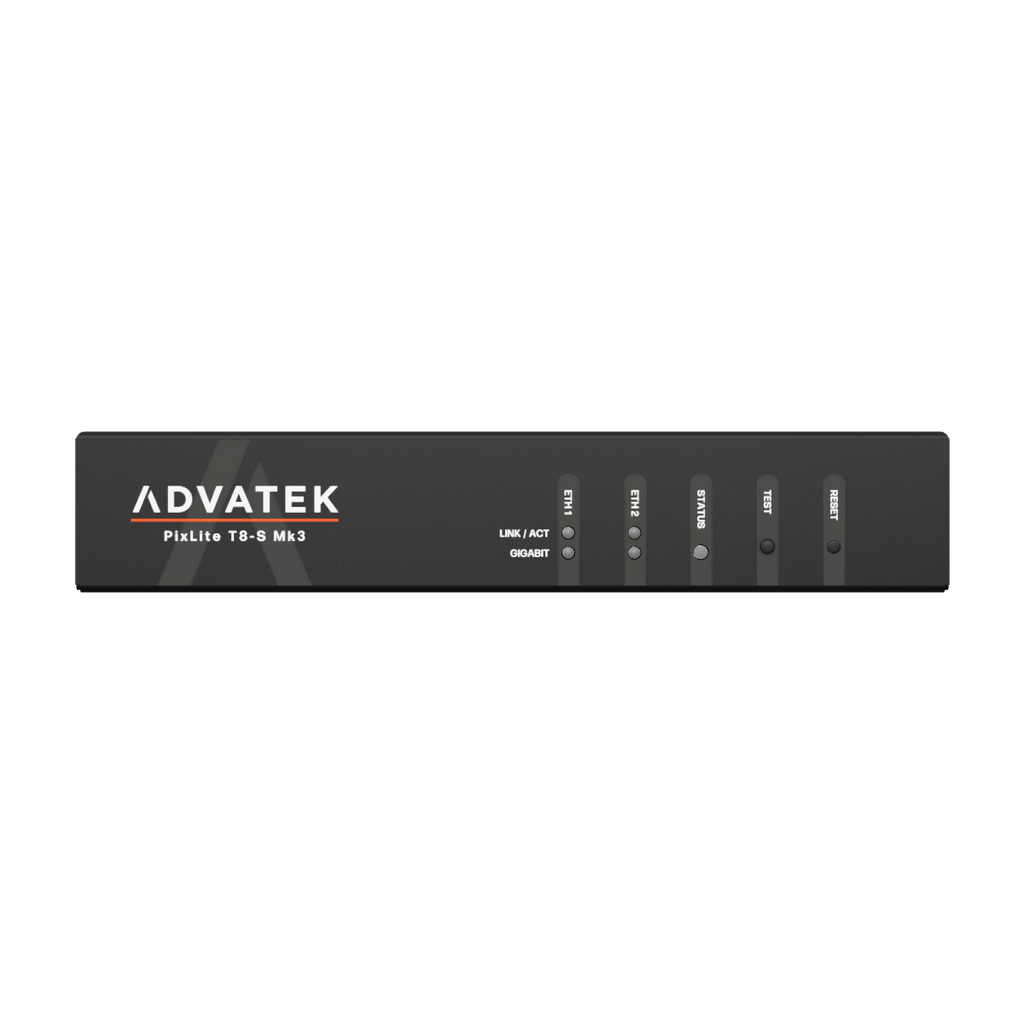
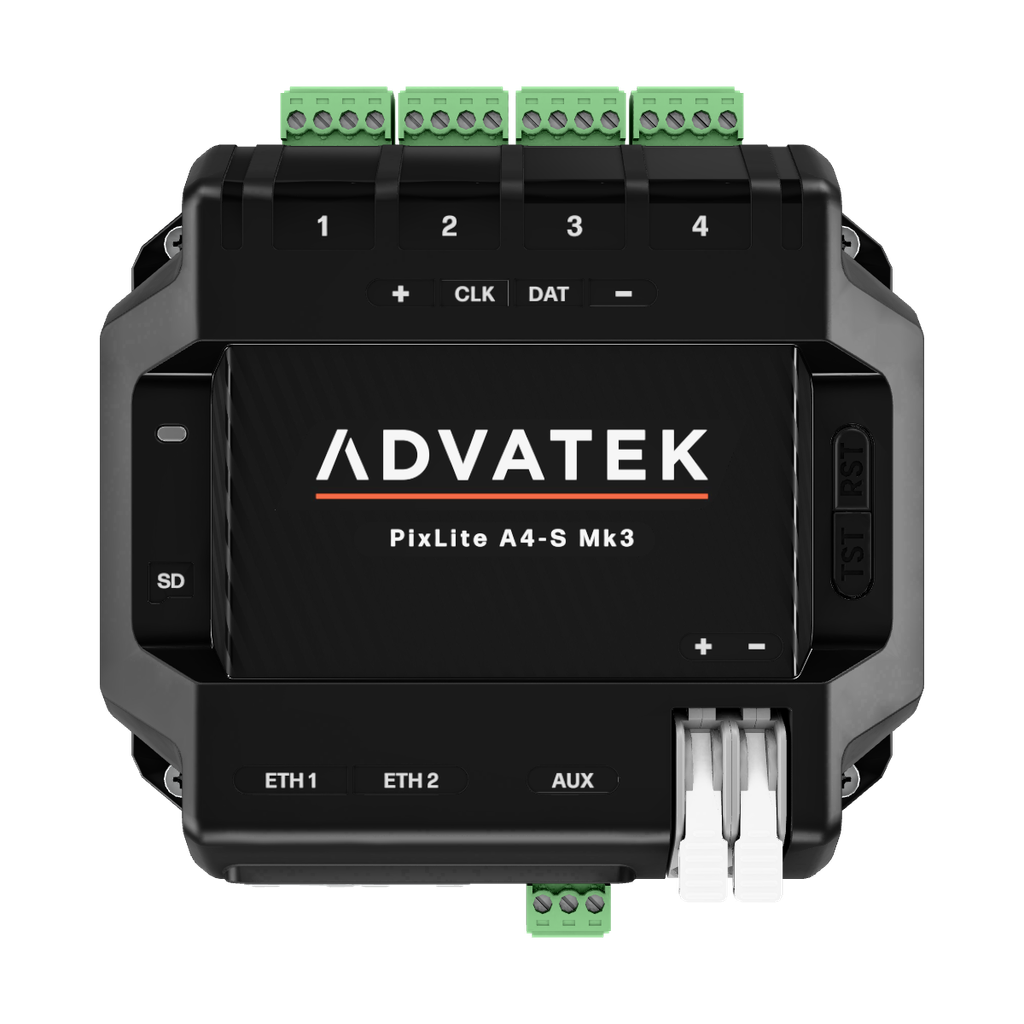
Explore PixLite®
Insights
Behind the scenes of on-camera lighting

Refresh Rate vs Frame Rate in LED Pixel Control
Understand frame rate and refresh rate in LED pixel systems, including controller output limits, PWM rate, smooth playback, camera performance, and large-scale design.
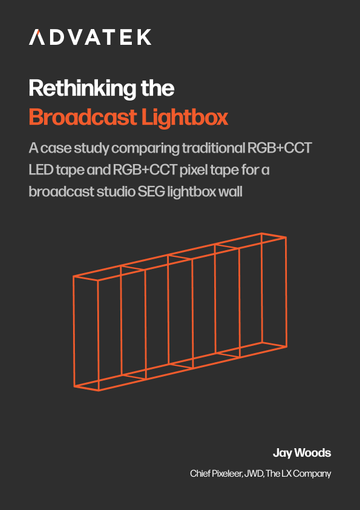
Rethinking the Broadcast Lightbox Whitepaper
What if one design decision could remove 480 solder joints from your next project?
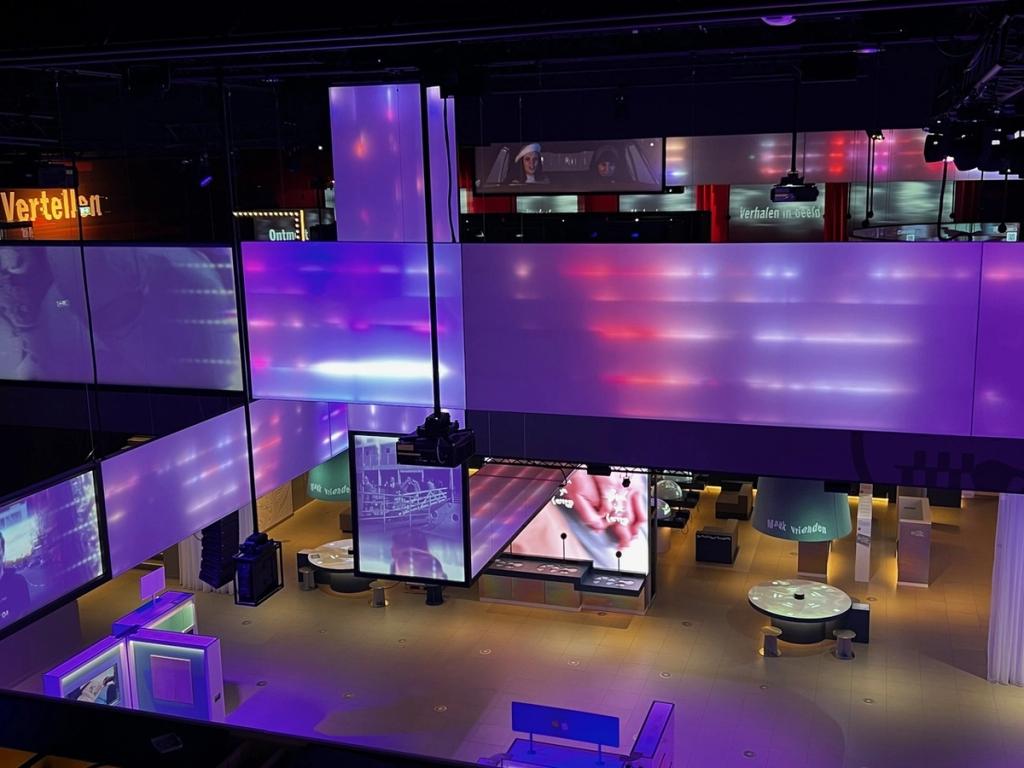
Beeld & Geluid · Hilversum, Netherlands
A building that glows with sound and vision
Advatek products power an innovative and exciting art installation at the Beeld & Geluid in the Netherlands.

Refresh Rate vs PWM Rate
Refresh rates are different to PWM rates, and both play an important role in your design and which pixel protocol you choose to use.
FAQs
What lighting software is compatible with PixLite® controllers?
What lighting software is compatible with PixLite® controllers?
PixLite® pixel controllers are software agnostic, designed to work flawlessly with the most popular lighting software systems, consoles and media servers. All PixLite® Mk3 controllers support Art-Net and sACN network lighting protocols for receiving DMX over Ethernet.
How can I contact Advatek?
How can I contact Advatek?
You can contact us via our "Contact Us" form on our website or by calling one of our numbers listed at the bottom of this page.
Can Advatek help me choose the right products?
Can Advatek help me choose the right products?
Absolutely. Our engineers can help you explore the PixLite® range and identify a solution suited to your project. Tell us about your lighting ideas, fixtures and installation, and we can help you take the next step.
What should I share when discussing my project with Advatek?
What should I share when discussing my project with Advatek?
Start with a brief description of the experience you want to create. Any fixture specifications, estimated pixel quantities, layout drawings and control-system preferences will help shape the conversation. Your project location, budget and timeline are useful too – share what you have available.
Can I speak with Advatek while my project is still an idea?
Can I speak with Advatek while my project is still an idea?
Yes. You’re welcome to get in touch while your concept is taking shape. You don’t need to have selected a controller to start exploring your options. Sharing your early ideas gives our engineers a starting point for discussing suitable products.