Lighting Designers Choose PixLite®


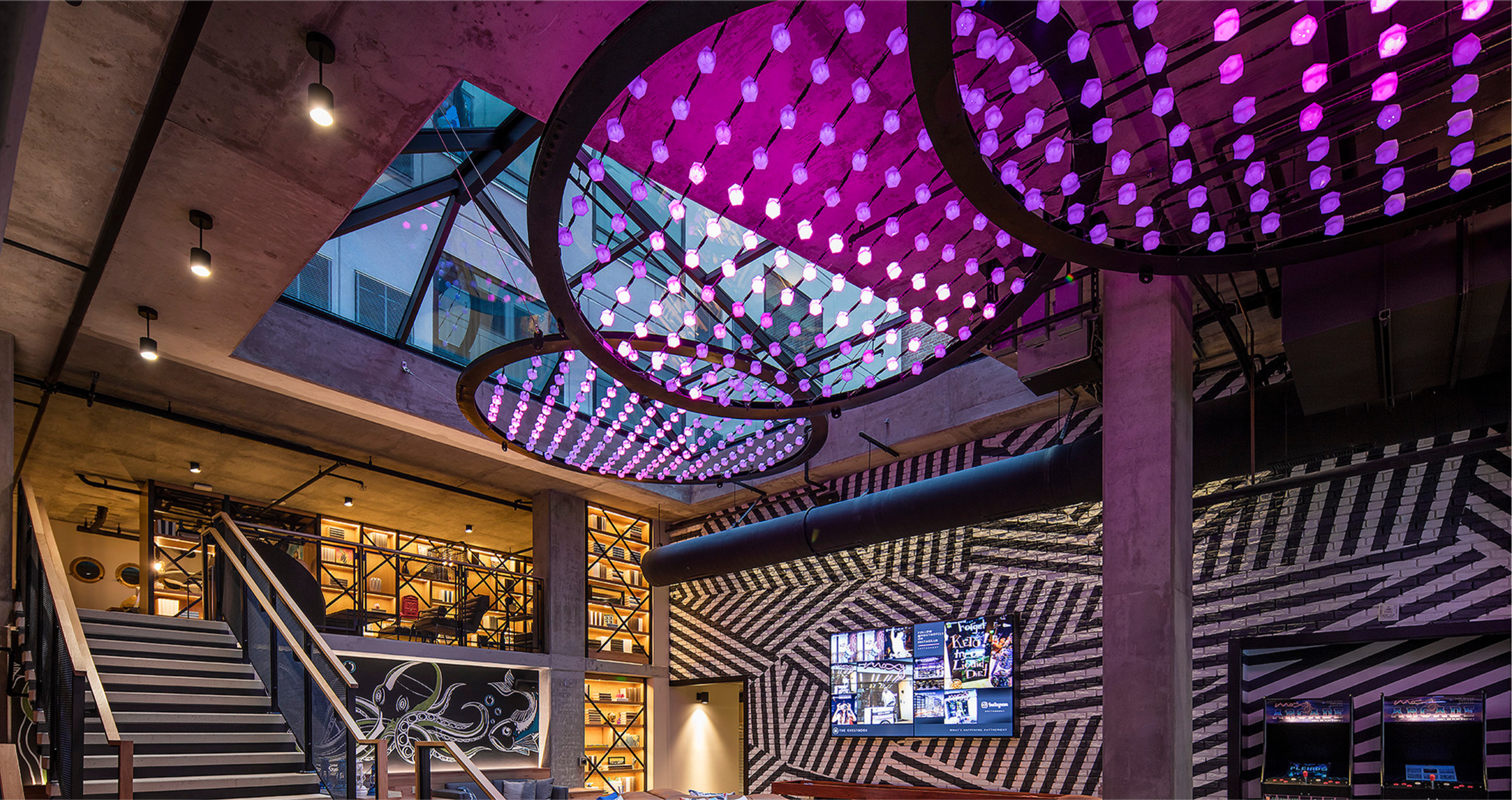
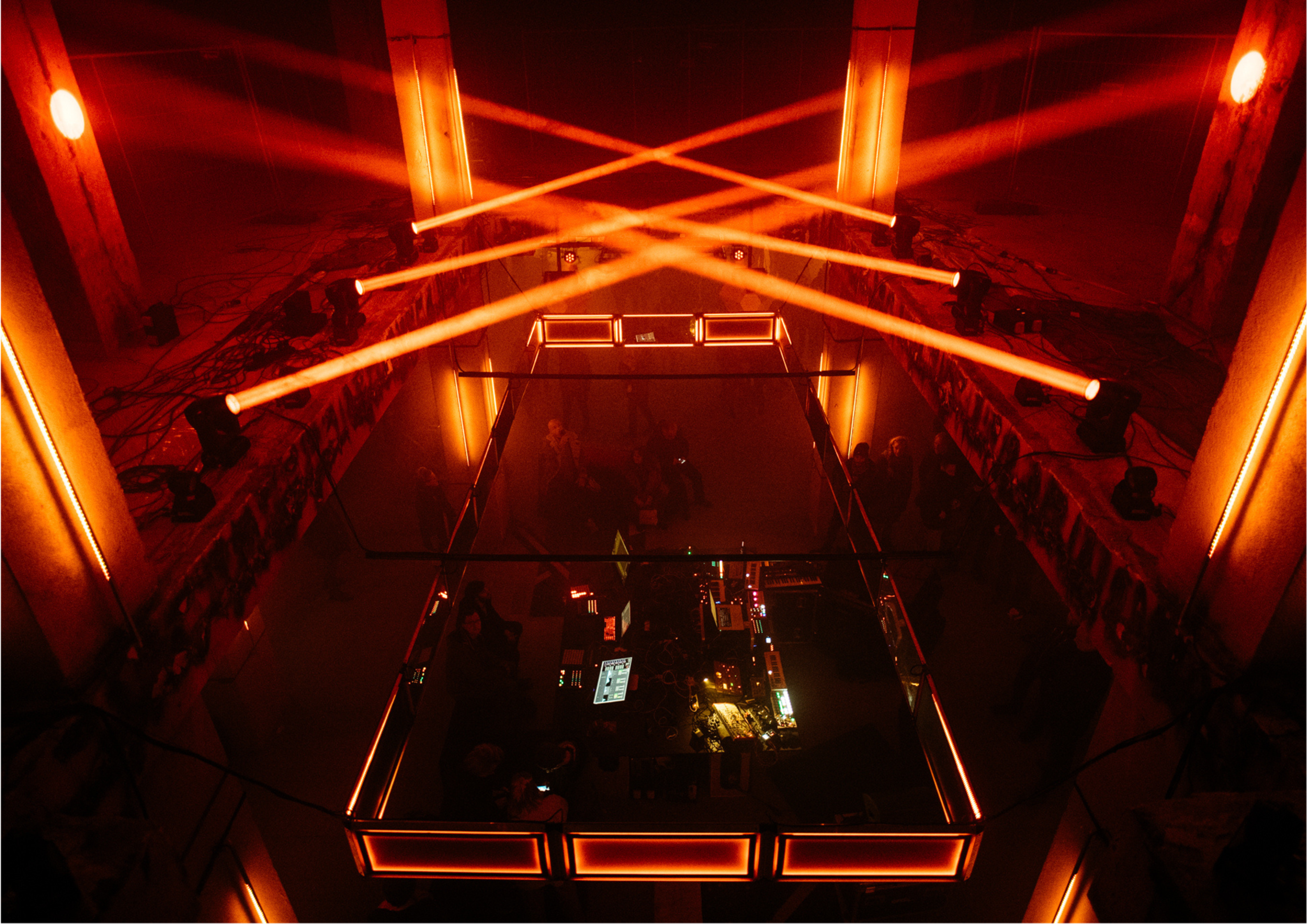

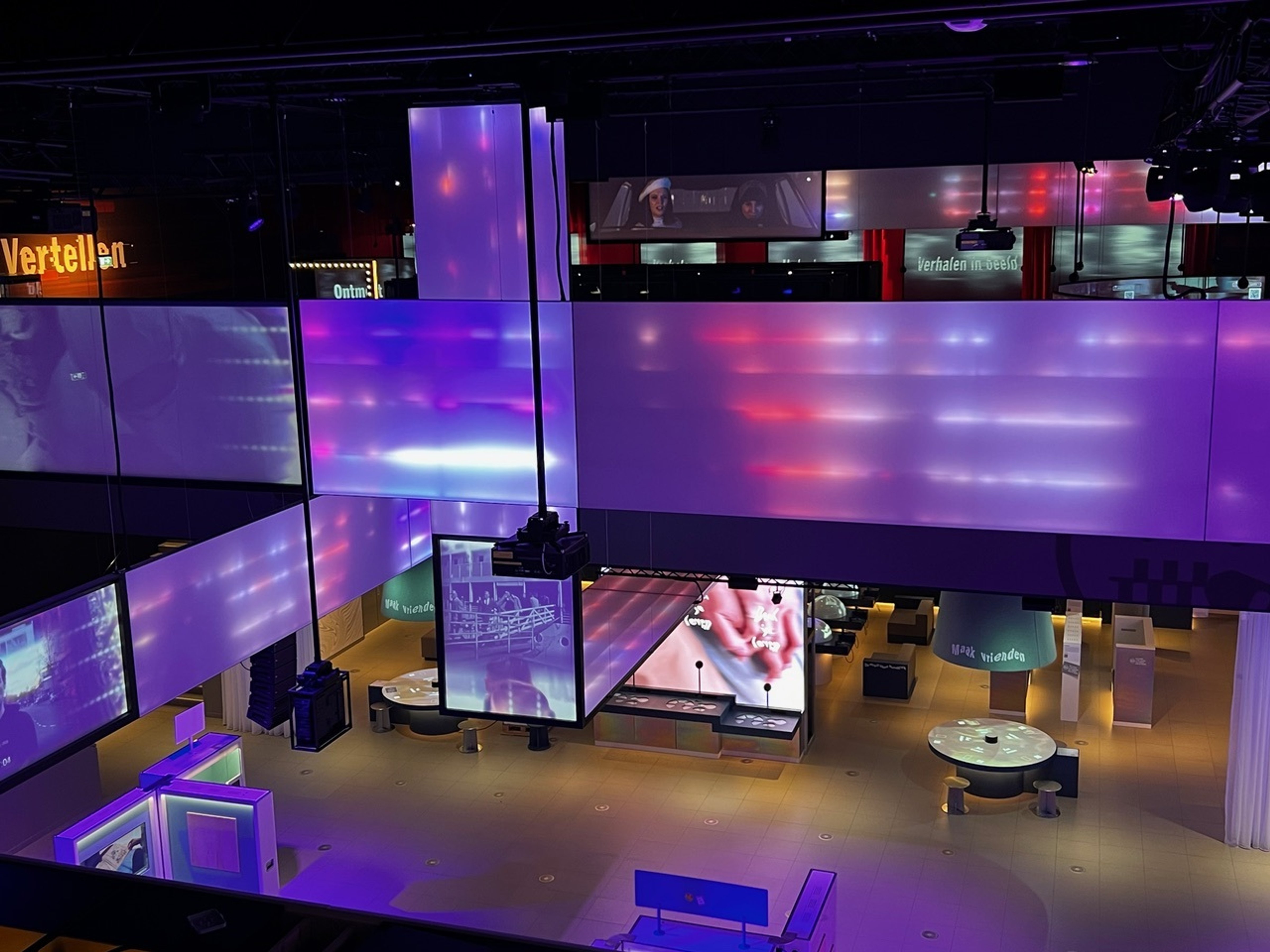
Create colour, movement and pixel effects that belong in your design, with a brief that carries your intent through to installation.
Explore new visual possibilities with patterns, transitions and illuminated details shaped to the space.
Keep your creative intent clear so the delivery team understands how the design should look and behave.
Connect light and form while fixture placement, viewing positions and access can still change.
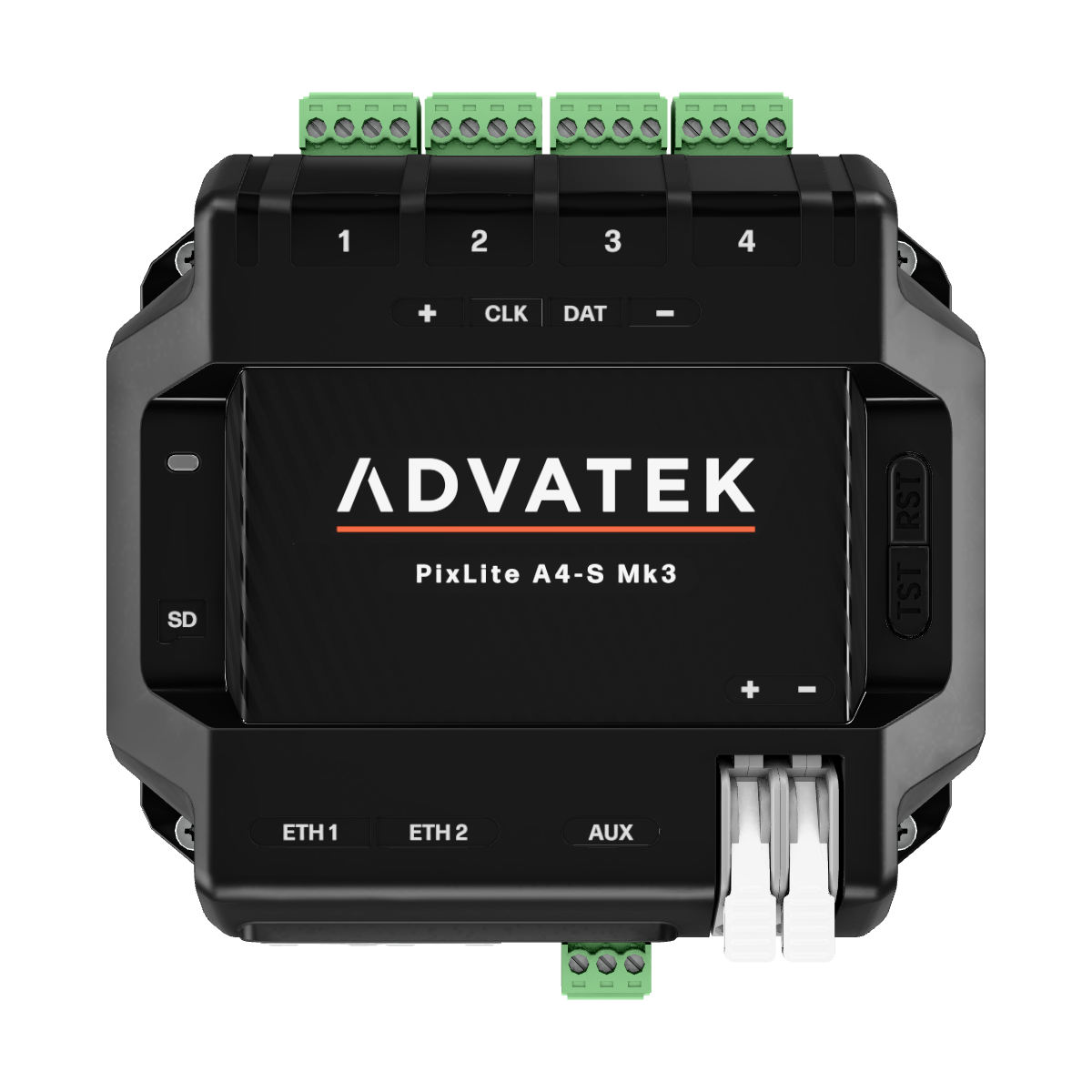
DiscoverPixLite®Mk3
PixLite® is the world’s leading line of , used by professionals all over the world to manage large-scale, digital lighting installations.
PixLite® controllers sit between your console or media server and the LEDs, transforming your or data into the signals thousands of individual pixels understand.
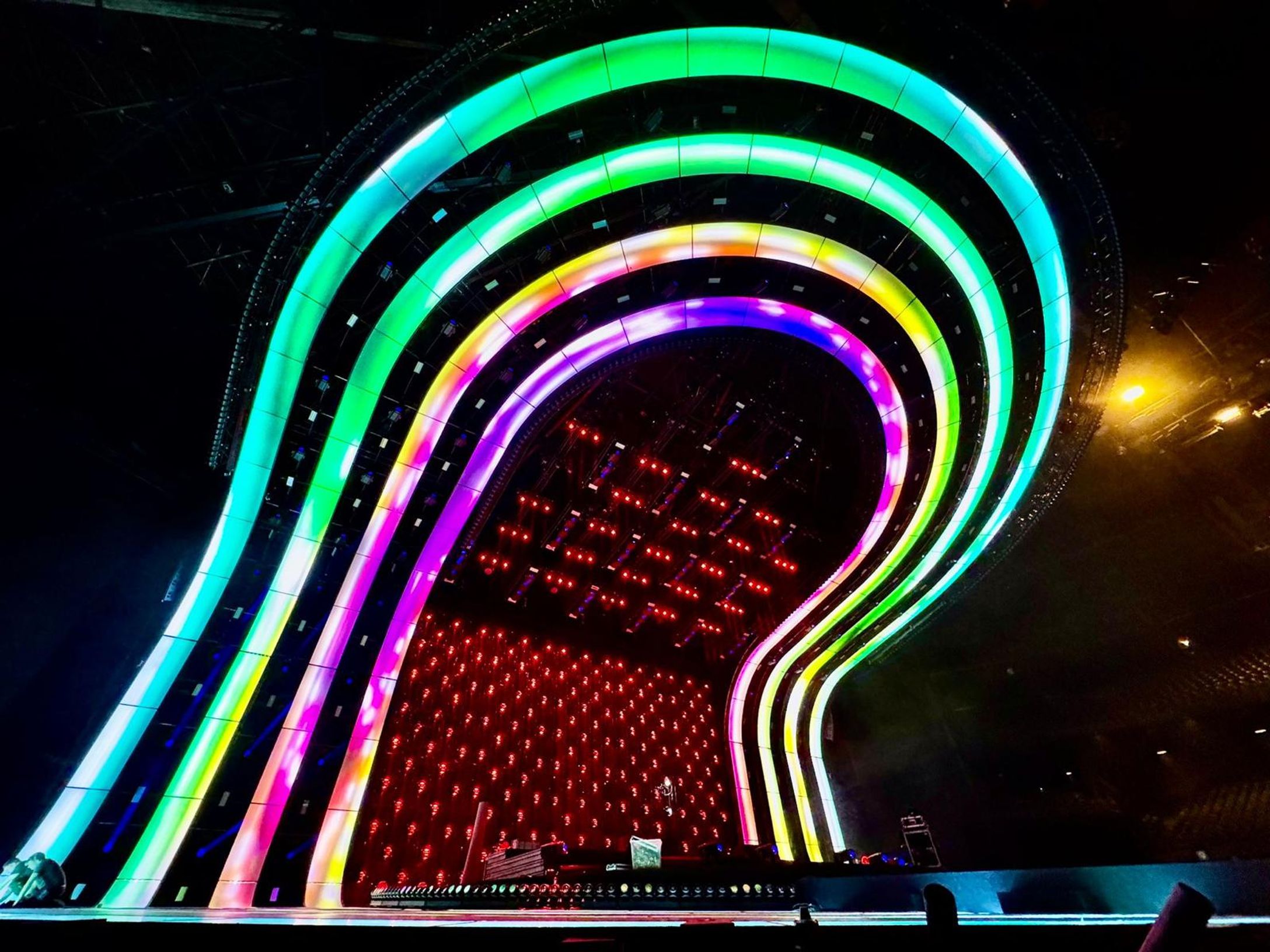
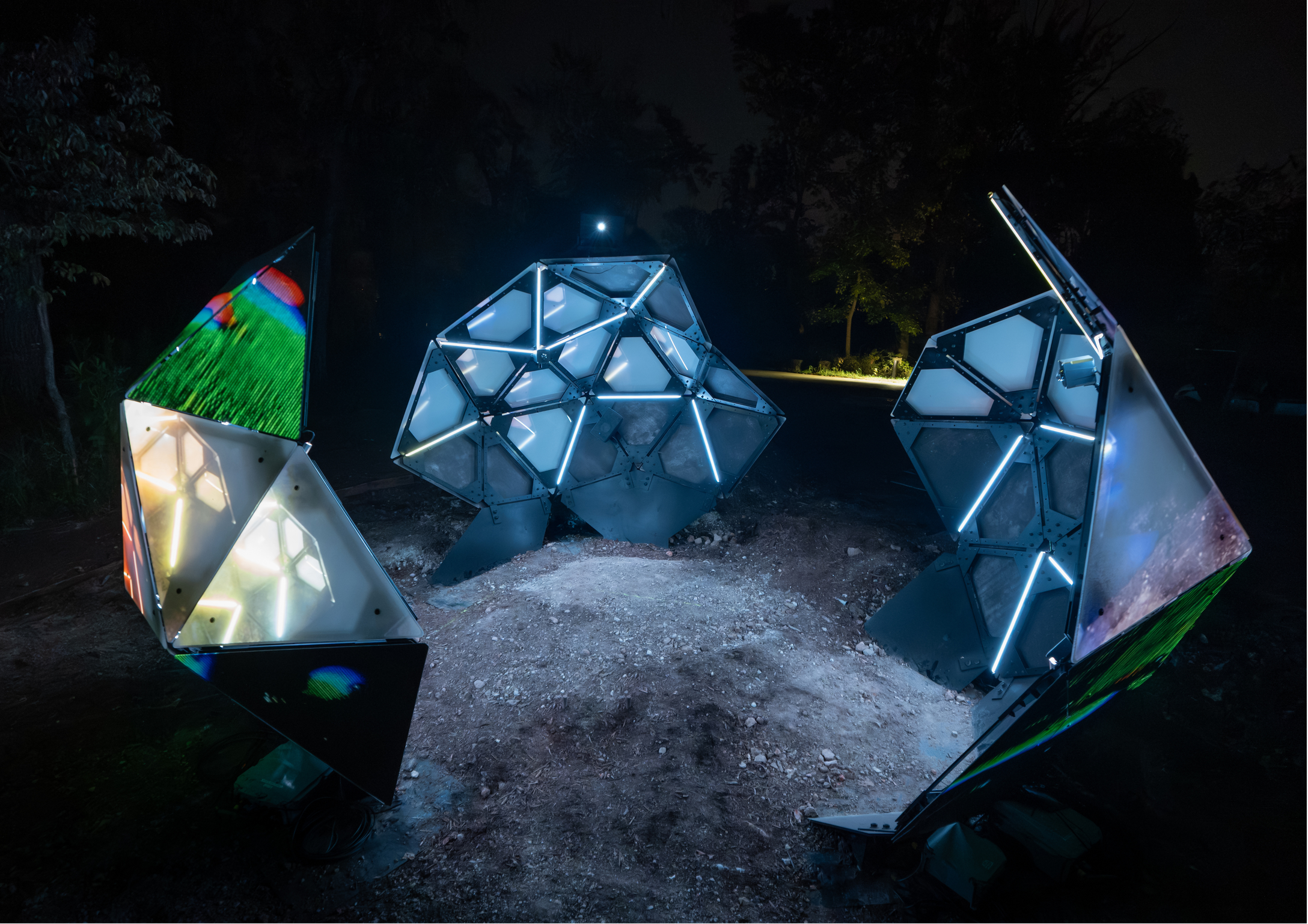
Slow fades, rich gradients and subtle colour shifts survive the trip from studio to site. Sixteen-bit input gives you 65,536 levels per channel instead of 256, and gamma correction and dithering hold the detail at the low end, where 8-bit pixels normally band.
With over , the fixture choice stays yours. And when the design needs it, long range control carries pixel data up to 300 meters from the controller, so the equipment can live where the building has room for it rather than beside the LEDs.
Capabilities
Built for the way you design
16-bit from console to pixel, with two input channels per colour driving 16-bit pixel protocols directly.

Gamma correction and dithering smooth the low end of 8-bit pixels, with a separate gamma value per colour.

Tune the white you want with per-colour current control on supported protocols and colour intensity scaling on all of them.

Patch from your own software over Art-Net or sACN, with generic pixel GDTF profiles for consoles, media servers and previsualisation.

Every controller on the same frame with Art-Sync, sACN Sync and Auto-Sync, so a chase reads as one movement.
Specifying pixels for a design? We can help
SHOWTime™
Recorded scenes straight from the controller with SHOWTime™
01 Simplify your workflow
01 Simplify your workflow
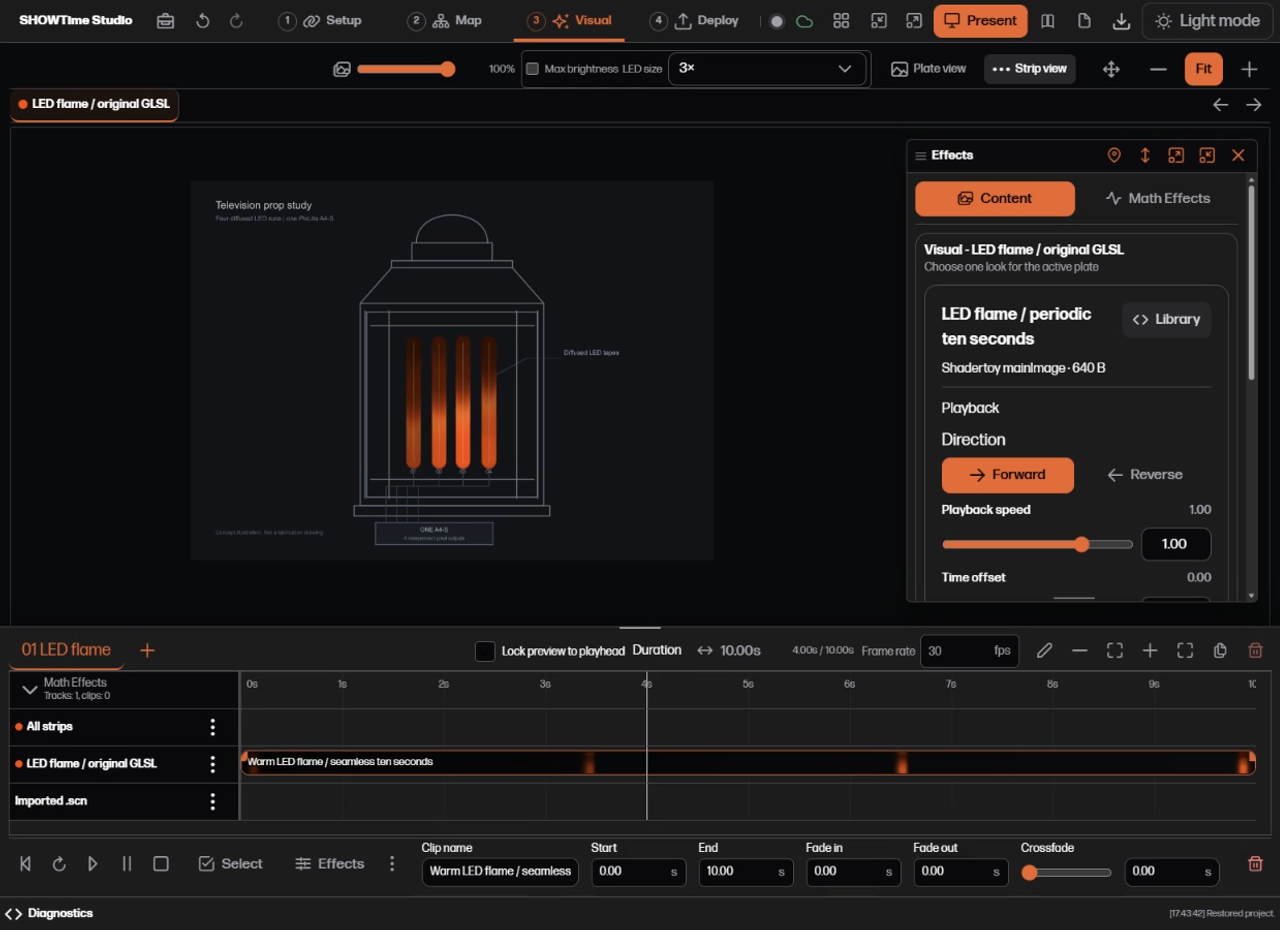
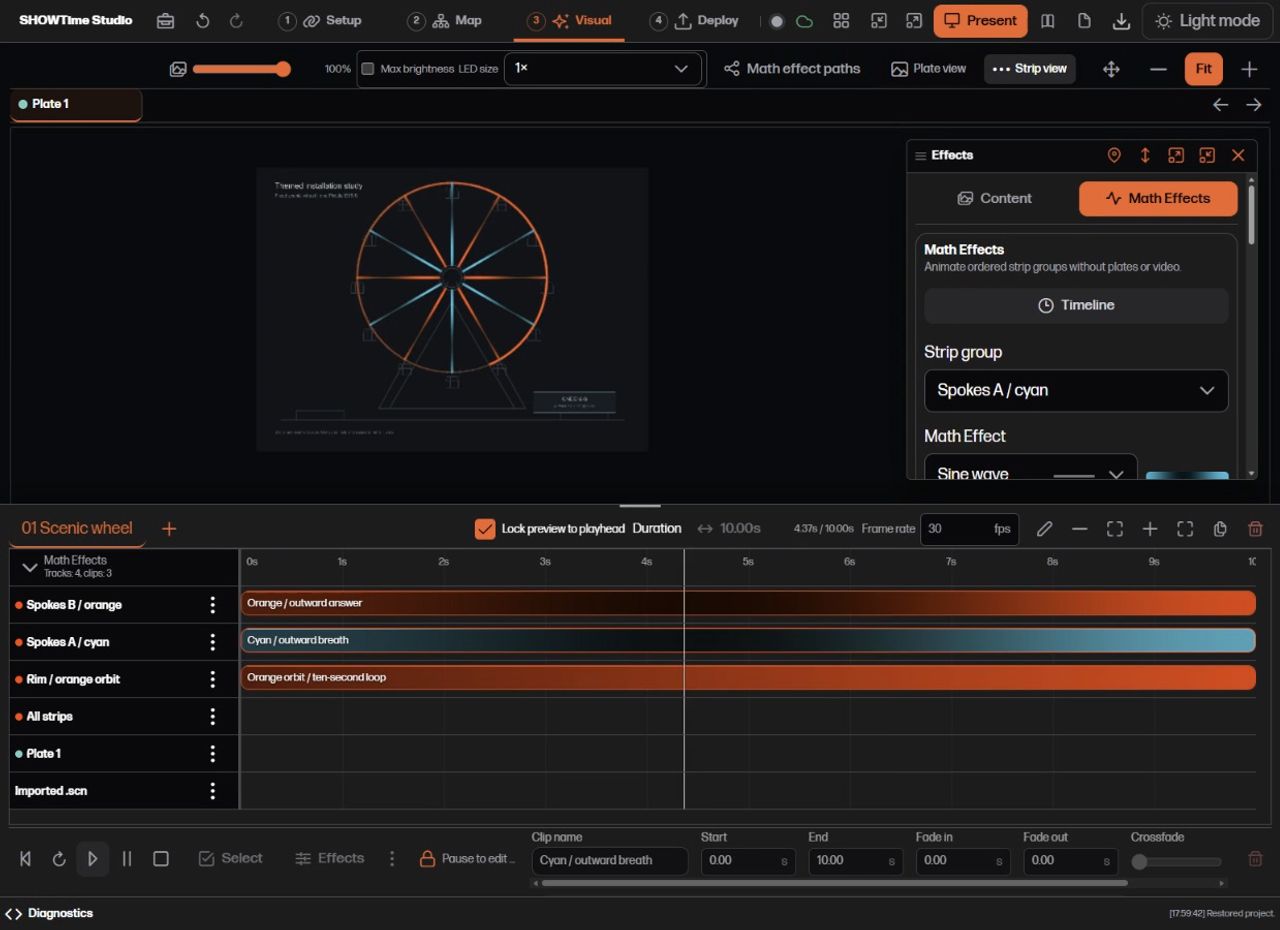
Create and map effects in SHOWTime™ Studio. Edit and preview looping content, and export animations to your PixLite® device for offline playback.
02 Record scenes
02 Record scenes
Prepare scenes for single controller systems or create independent fallback effects for use when a live data source becomes unavailable. From ongoing ambient lighting to a sparkle effect used as a backup, SHOWTime™ Studio helps you prepare content for the way your installation will operate.
03 Present your ideas
03 Present your ideas
Preview your scenes with SHOWTime™ Studio presentation mode, before deploying them to your system. Test triggers, loops and sequences and then save to a PixLite® controller.
I was really impressed at how fast Advatek replied to my query and had so much information and advice to share.
Patrick O'Neill – Lighting Designer at Tricktronix
The features of the A4-S Mk3 product were very simple to configure and deploy, while being very robust with the built-in protection and monitoring systems.
Nick Holdbrooks – Lighting Designer at Go Live Productions
Advatek's E16-S Mk3 controller not only provides a wealth of functionality, it even looks professional. I never have any fears of opening the box and showing the client what's inside.
Jeffrey Holmes – Experience Designer at IWG Productions
The Advatek PixLite® A4-S Mk3 has become the go-to standard for pixel control on Broadway. Its flexibility and channel capacity are unmatched in anything we have used before.
Kevin Barry – Production Electrician at & Juliet Broadway
Products
Explore PixLite®
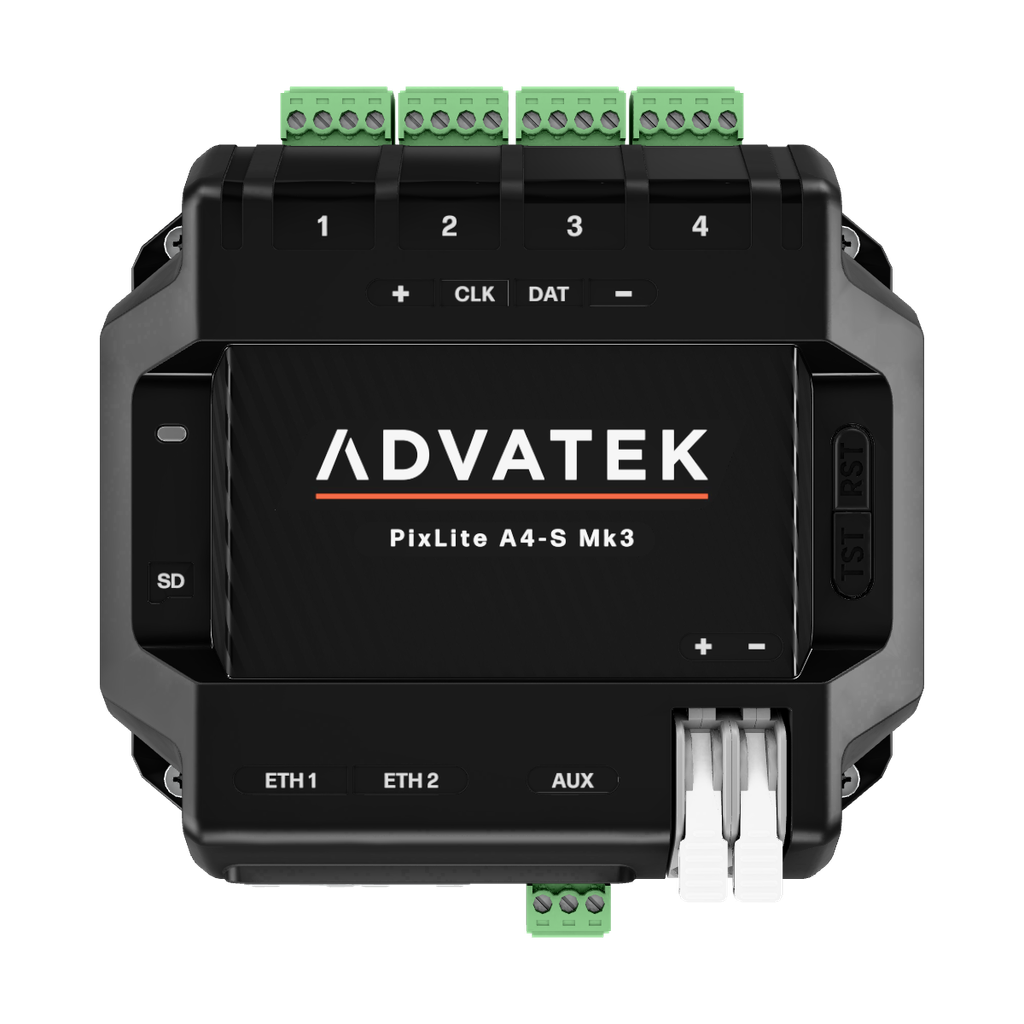
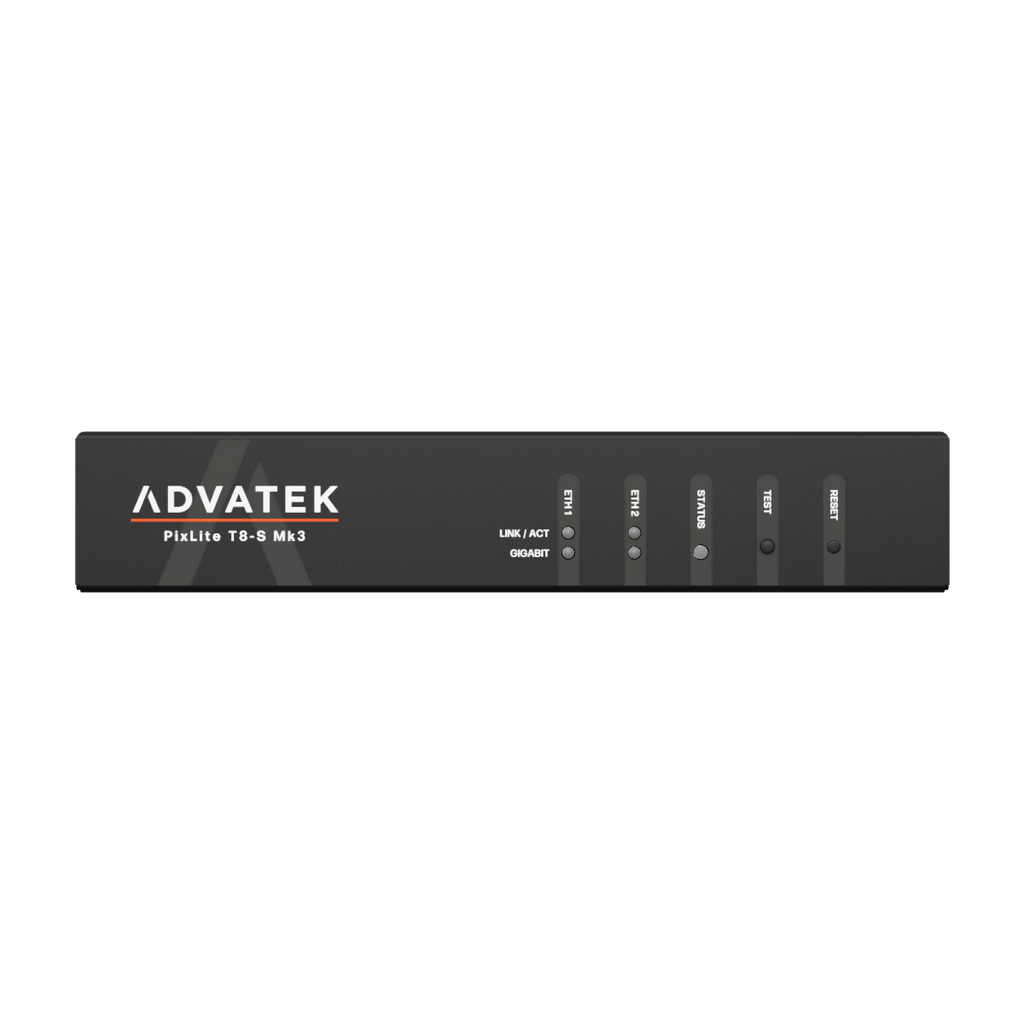
Compare Direct Connect and Long Range alongside the fixture schedule. Use the and for protocol and output-rate planning.
Insights
Bright ideas for lighting designers

WS2811 vs WS2812 vs WS2812B: Differences, Compatibility and Controller Selection
Compare WS2811, WS2812 and WS2812B pixel LEDs by voltage, IC design, wiring, compatibility, frame rate and PixLite controller selection.
Announcing Advatek Toolbox
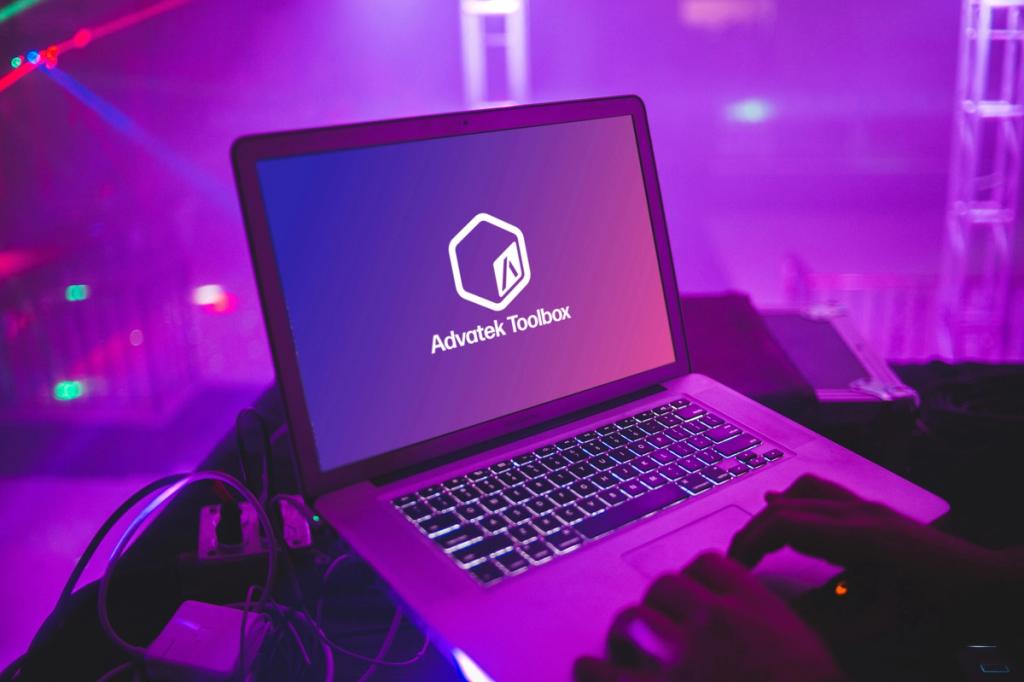
Announcing Advatek Toolbox: a growing collection of browser-based utilities designed to make PixLite® Mk3 planning, configuration and content workflows easier to manage

Refresh Rate vs Frame Rate in LED Pixel Control
Understand frame rate and refresh rate in LED pixel systems, including controller output limits, PWM rate, smooth playback, camera performance, and large-scale design.

Advatek Toolbox Guide
An overview of Advatek Toolbox and all of its features, how to access them and a description of each one.

Advatek Generic Pixel GDTF Profiles
Advatek has developed a suite of generic pixel GDTF (General Device Type Format) profiles, now available via the Advatek manufacturer listing on the GDTF Share platform.

Advatek DMX Core 100 Integration
DMX Core 100 extends a PixLite® installation with standalone playback, simpler output setup, and remote operational visibility, without weakening the technical precision of the PixLite® control layer.
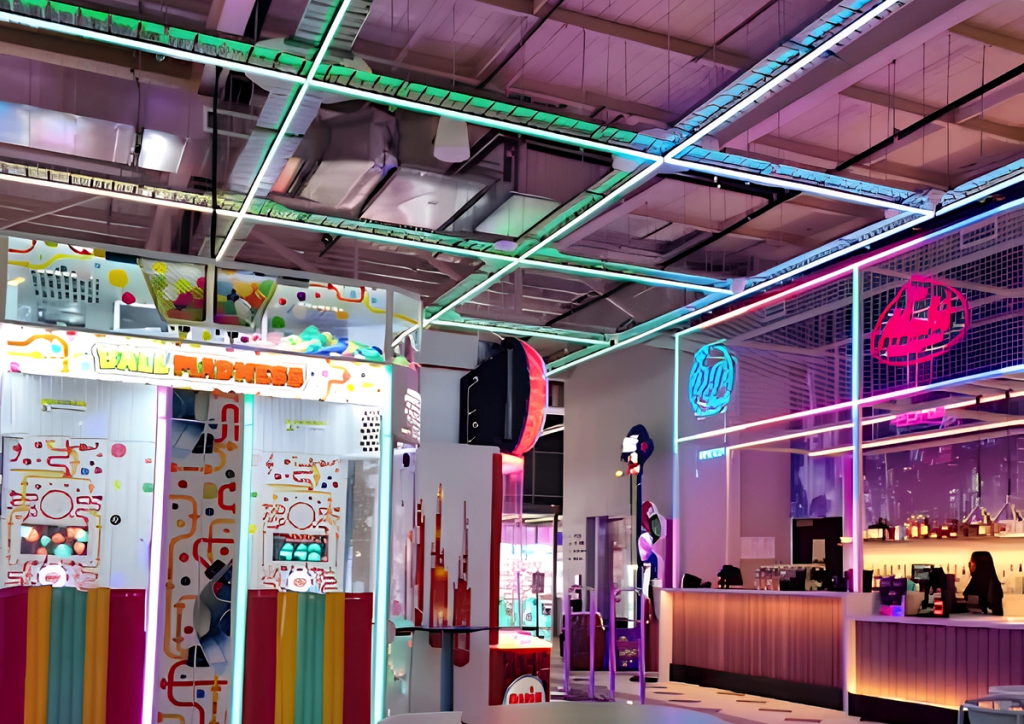
Light-Ctrl · Sydney, Australia
Pixel-packed party lighting for DJ's Arcade
Find out how Light-Ctrl brought pixel to a Sydney hospitality venue

How to Design LED Pixel Systems for Large Façades
Learn how to design LED pixel systems for large façades, including pixel pitch, data distribution, power, environmental protection, playback, and serviceability.

Demystifying Pixel Control
Pixel control is a deep and varied field; in this article we explain it at a high level.

What to Look for in Pixel Control Hardware
Find out what to look for in pixel control hardware in the architectural lighting design, specification and integration space.

PixLite® Mk3 SHOWTime Triggers Profile Guide
Learn how to integrate your PixLite® Mk3 controller with third party lighting console.

Lightpath by Digital Ambiance Integration with Advatek PixLite® Mk3 Controllers
In June 2026, Lightpath by Digital Ambiance announced integrated support for Advatek Mk3 controllers.
FAQs
Common PixLite® questions from designers
Can Advatek help me choose the right products?
Can Advatek help me choose the right products?
Absolutely. Our engineers can help you explore the PixLite® range and identify a solution suited to your project. Tell us about your lighting ideas, fixtures and installation, and we can help you take the next step.
What is SHOWTime™?
What is SHOWTime™?
Advatek SHOWTime™ is a set of features included in all PixLite® Mk3 controllers that unleash the potential of Advatek PixLite® Mk3 devices to independently drive light shows without a computer or any source of live data.
What lighting software is compatible with PixLite® controllers?
What lighting software is compatible with PixLite® controllers?
PixLite® pixel controllers are software agnostic, designed to work flawlessly with the most popular lighting software systems, consoles and media servers. All PixLite® Mk3 controllers support Art-Net and sACN network lighting protocols for receiving DMX over Ethernet.
What pixel protocols do PixLite® controllers support?
What pixel protocols do PixLite® controllers support?
PixLite® Mk3 controllers support over 90 of the most common pixel protocols, and we are constantly adding to this number. You can obtain the latest information on the pixel protocols supported in our Pixel Protocol Glossary section.
What is a DMX universe?
What is a DMX universe?
A universe is a group of 512 lighting control channels. A typical RGB pixel uses three channels, allowing 170 complete RGB pixels per universe; RGBW pixels use four, allowing 128. Understanding your universe requirements helps you plan the control capacity your project needs.
Can my lighting run without a computer connected?
Can my lighting run without a computer connected?
Yes. PixLite® Mk3 controllers include SHOWTime™, which lets you record lighting content and play it back from a user-supplied industrial microSD card. Once configured, your lighting can begin on startup or through supported triggers, ideal for installations that need simple, repeatable playback.
Will PixLite® work with my LED strips or fixtures?
Will PixLite® work with my LED strips or fixtures?
PixLite® supports a wide range of pixel protocols, giving you flexibility when choosing your LEDs. Compatibility depends on the technology inside your fixture, along with its voltage and wiring requirements. Check out our Pixel Protocol Glossary to see which will be compatible.
What should I share when discussing my project with Advatek?
What should I share when discussing my project with Advatek?
Start with a brief description of the experience you want to create. Any fixture specifications, estimated pixel quantities, layout drawings and control-system preferences will help shape the conversation. Your project location, budget and timeline are useful too – share what you have available.
Can I speak with Advatek while my project is still an idea?
Can I speak with Advatek while my project is still an idea?
Yes. You’re welcome to get in touch while your concept is taking shape. You don’t need to have selected a controller to start exploring your options. Sharing your early ideas gives our engineers a starting point for discussing suitable products.
How is pixel control different from standard LED control?
How is pixel control different from standard LED control?
With standard RGB LED control, a connected strip typically changes colour together. Pixel control gives you more creative freedom, allowing different pixels to display different colours at the same time. This opens up possibilities for movement, patterns and effects throughout your space.
How can I contact Advatek?
How can I contact Advatek?
You can contact us via our "Contact Us" form on our website or by calling one of our numbers listed at the bottom of this page.